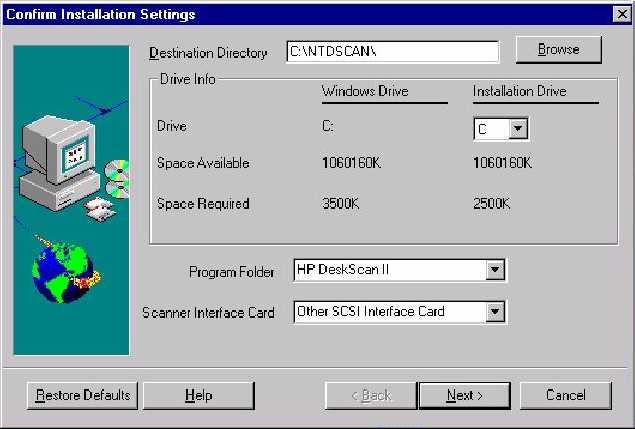
Installation Settings Screen
Note: This is the Installation Settings Screen selecting Other SCSI Interface Card.
After the User has selected the Installation Options they want the User should press the "Next" button to complete the Software Installation.
The Software will be Installed according to the settings the User has specified.
The Registry will be updated with ALL of the defined information.