Checking Virtual Memory - Windows 3.1
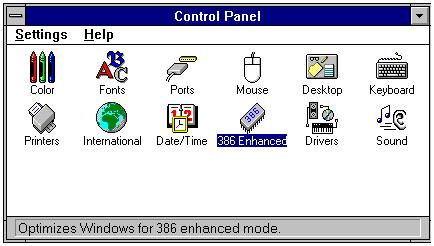
Open Main program group, double click on Control Panel. . .

From Control Panel double click on the 386 Enhanced icon. . .
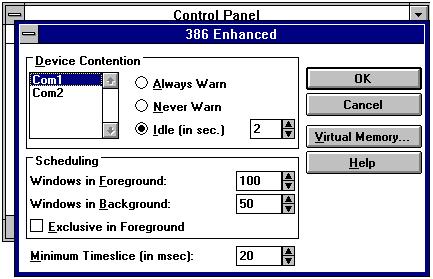
Now click on the Virtual Memory... button
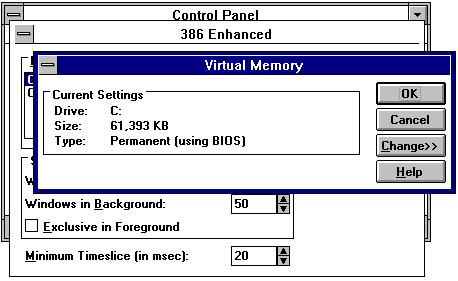
This should give you the Virtual Memory information.
 Submitted by Tim Croll